
 Free Guest Posting Site | Developer Tools 2025
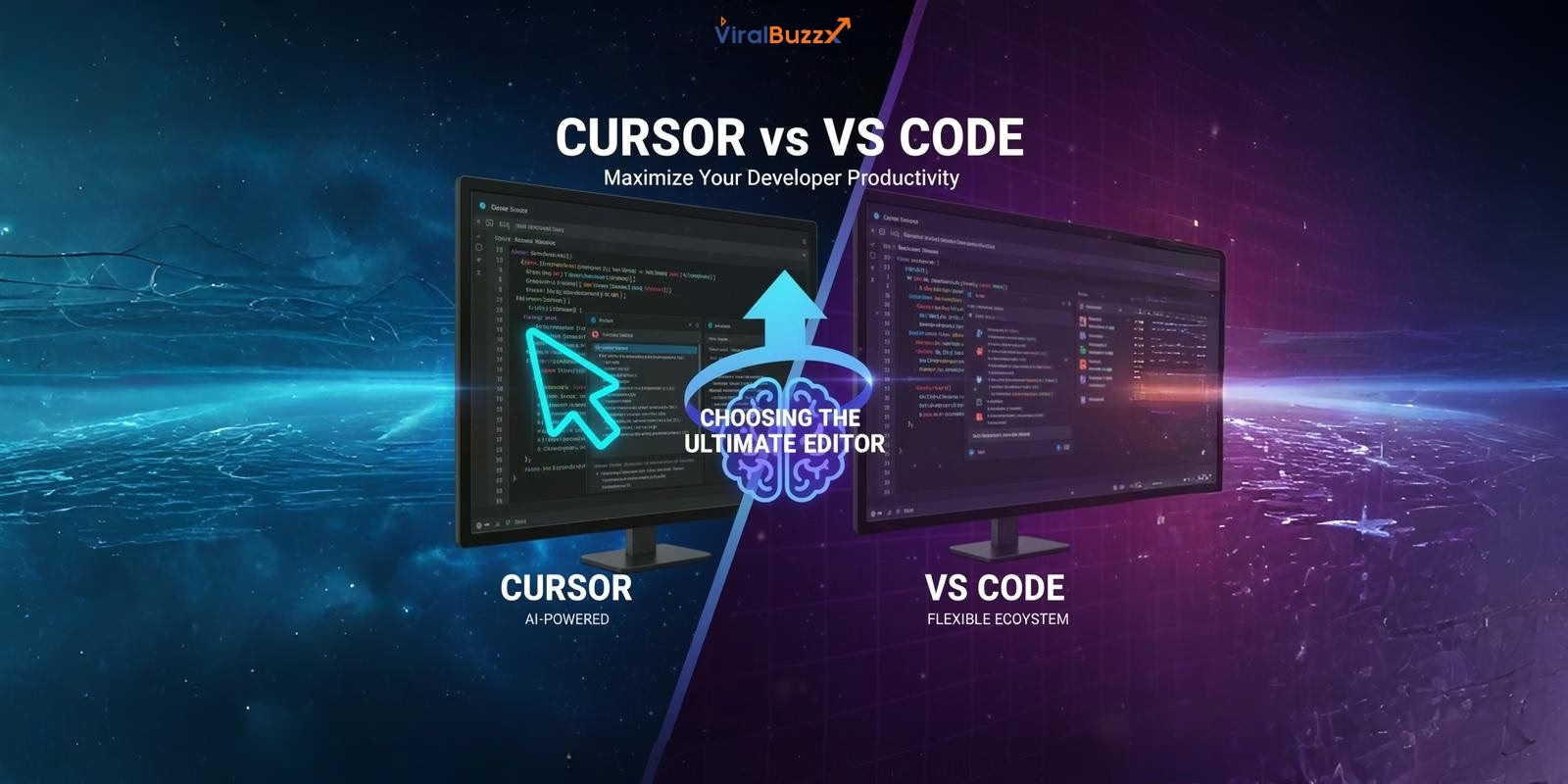
Cursor vs VS Code: Choosing the Ultimate AI-Powered Code Editor
Introduction
The developer tools landscape has experienced a fundamental transformation as AI integration becomes the primary selection criterion for modern code editors. Cursor vs VS Code represents more than a simple comparison—it embodies two distinct philosophies: native AI implementation versus extension-based adaptability. This comprehensive analysis targets developers prioritizing productivity gains, AI capabilities, and long-term cost efficiency in their developer workflow.
Both Cursor and Visual Studio Code dominate the AI-powered code editor market in 2025, yet they serve different developer needs. Understanding these differences ensures you select the tool that maximizes your coding efficiency and aligns with your budget constraints.
Core Architecture & Performance
Cursor: VS Code Fork with AI-Native Infrastructure
Cursor operates as a direct fork of VS Code, inheriting the proven Electron-based architecture while embedding AI capabilities at the core level. This approach eliminates the fragmentation typical of extension-based AI tools, delivering seamless integration across the entire coding experience.
Execute up to eight parallel AI agents simultaneously using git worktrees for complex refactoring tasks.
Native Composer model delivers 4× faster throughput than comparable models, completing most coding tasks under 30 seconds.
Built-in browser forwards DOM information directly to AI agents for advanced UI troubleshooting.
VS Code: Proven Electron Stability
VS Code maintains its position as the industry-standard editor built on Electron, offering predictable resource consumption and battle-tested stability across 60,000+ extensions. The architecture prioritizes extensibility over native features, allowing developers to customize performance profiles through selective extension management.
VS Code's lightweight core ensures consistent performance across machines with varying specifications, making it the preferred choice for resource-constrained environments and legacy systems.
AI Integration: The Decisive Factor
Cursor's AI-Native Features
Cursor implements AI as a first-class citizen rather than an afterthought, fundamentally differentiating it from extension-based competitors. Key capabilities transform how developers interact with code:
- Codebase-wide context awareness: The AI understands your entire project structure, not just individual files, enabling intelligent refactoring across multiple modules
- Inline code explanation: Highlight any code segment and receive instant contextual explanations without breaking your workflow
- Smart refactors and test generation: AI suggests and executes refactoring operations while automatically generating comprehensive unit tests
- Multi-line predictive edits: Tab completion predicts complex multi-line changes based on recent modifications and project patterns
- Natural language commands: Use Cmd/Ctrl + I for natural language code generation, eliminating the need to memorize complex syntax
VS Code's AI Landscape
VS Code relies on extension-based AI integration, primarily through GitHub Copilot, Tabnine, and emerging tools like Amazon CodeWhisperer. This approach offers flexibility in choosing AI providers but lacks the cohesive experience of native implementation.
Extensions operate with limited context compared to Cursor's codebase-aware system, often requiring developers to manually provide context through comments or documentation. Developers must separately configure, update, and troubleshoot each AI extension, adding maintenance overhead to their developer workflow.
Ecosystem, Customization, & Community
VS Code dominates with its extensive marketplace featuring over 60,000 thoroughly documented extensions backed by massive community support. The maturity of VS Code Extensions ensures stability and comprehensive functionality across every programming language, framework, and development scenario imaginable.
The 2025 essential VS Code extensions include GitHub Copilot for AI assistance, ESLint and Prettier for code quality, GitLens for Git insights, Live Share for collaboration, and Docker for containerization. This ecosystem depth provides solutions for every development challenge.
Cursor maintains compatibility with VS Code extensions but operates with a smaller, curated ecosystem. While this limits choices, Cursor's native features reduce dependency on external plugins for core AI functionality, simplifying your development environment.
For developers seeking tips for achieving a successful blog or maximizing their digital presence through technology content, understanding these ecosystem differences impacts content creation workflows and technical writing capabilities.
Cost, Licensing, and Long-Term Value
VS Code remains free and open-source, eliminating direct costs entirely while maintaining enterprise-grade quality. Additional costs arise only from paid AI extensions like GitHub Copilot ($10/month for individuals, $19/user/month for businesses).
Cursor operates on a freemium model with four distinct tiers designed for different usage patterns:
- Free (Hobby): 2,000 completions and 50 slow premium requests with unlimited basic features
- Pro ($20/month): Unlimited tab completions, 500 fast premium requests monthly, access to GPT-4.1, Claude Opus 4, and Gemini 2.5 Pro
- Teams ($40/user/month): Everything in Pro plus centralized billing, SSO, admin controls, and usage analytics
- Enterprise (Custom pricing): Adds security controls, pooled usage, invoice billing, and dedicated support for large organizations
Note for Tech Writers: Developers contributing to the tech community or exploring content monetization opportunities (including platforms operating as a free guest posting site) should factor in how their chosen editor impacts content creation efficiency when calculating total cost of ownership.
Pro developers executing heavy AI-assisted workflows typically justify Cursor's $20/month investment through time savings and code quality improvements. Budget-conscious developers find VS Code's zero-cost model with optional Copilot subscriptions more economical for basic AI assistance.
Feature Comparison
| Feature | Cursor | VS Code |
|---|---|---|
| Primary Focus | AI-native code generation and multi-agent workflows | Extensibility and community-driven customization |
| AI Integration | Built-in, codebase-aware, multi-agent system with natural language commands | Extension-based (GitHub Copilot, Tabnine, etc.) |
| Performance Overhead | Higher due to native AI processing and multi-agent capabilities | Lower baseline, scales with installed extensions |
| Ecosystem Size | Smaller but VS Code-compatible, curated for AI workflows | Massive marketplace with 60,000+ extensions |
| Cost | Free tier + $20/month Pro + $40/month Teams + Custom Enterprise | Free and open-source (AI extensions cost extra) |
| Context Awareness | Full codebase analysis with project-wide understanding | Limited to file-level or extension-provided context |
| Best For | AI-heavy workflows, complex refactoring, rapid prototyping | Customization flexibility, diverse language support, budget constraints |
Conclusion: Which Editor Wins?
The Cursor vs VS Code decision ultimately depends on your specific developer workflow requirements and budget allocation.
Choose Cursor if:
- You're an experienced developer leveraging AI for complex refactoring and multi-file operations
- Your projects involve large codebases requiring codebase-wide context and intelligent analysis
- You operate in teams willing to invest $20-40/user/month for native AI productivity gains
- Natural language coding and multi-agent workflows align with your development style
Choose VS Code if:
- You're a beginner requiring extensive learning resources and community documentation
- Zero-cost tooling is a priority with optional AI enhancement through extensions
- You work with specialized extensions unavailable in Cursor's ecosystem
- Granular control over every aspect of your developer workflow matters more than native AI integration
The decisive factor remains AI integration depth versus ecosystem maturity—Cursor delivers superior AI experiences while VS Code maintains unmatched flexibility and community support.
Share Your Developer Experience
Have insights about AI-powered code editors or developer productivity tools? Contribute your expertise to our tech community.