Creating AI-generated images no longer requires expensive software or technical skills. With Nano Banana, Google’s image generation and editing model built into Gemini, your Android phone becomes a powerful creative tool. Whether you’re visualizing an idea, editing a photo, or experimenting for fun, Nano Banana makes image creation simple and fast.
This guide explains what Nano Banana is, how it works, and how you can use it to turn imagination into visuals—right from your Android device.
What Is Nano Banana?
Nano Banana is an AI-powered image generation and editing feature available inside the Gemini app on Android. It allows users to create, modify, and transform images using simple text prompts or existing photos.
Instead of learning complex editing tools, you just describe what you want. Nano Banana understands context, lighting, and composition, making AI-generated images feel natural and realistic. Best of all, it’s built directly into the Gemini experience and available at no cost for Android users.
How Nano Banana Works
Nano Banana uses advanced AI to interpret your instructions and apply them visually. You can start from a blank idea or upload an image and guide the edits through conversation. The tool remembers context, so you can refine results step by step without starting over.
From subtle photo adjustments to complete scene transformations, Nano Banana offers a smooth and intuitive creative process.
What You Can Create with Nano Banana
Create and edit through conversation
The standout feature of Nano Banana is its conversational editing. You simply tell Gemini what you want to see. Change backgrounds, add objects, place yourself in famous locations, or redesign a room—all by typing natural instructions.
Keep characters consistent
One of Nano Banana’s strongest capabilities is consistency. Upload a selfie and experiment with outfits, hairstyles, or locations while keeping facial features intact. This makes AI-generated images look more realistic across multiple edits.
Blend images seamlessly
Nano Banana also lets you merge multiple images. Combine a portrait with artwork, mix environments, or blend styles into a single scene without losing quality or balance.
Bonus: How a Small Business Ad Generator Can Cut Your Advertising Costs by 50%
How to Use Nano Banana on Android (Step-by-Step)
1. Start Nano Banana
You can access Nano Banana in two ways:
-
Open the Gemini app directly
-
Press and hold the power button on supported Android devices
Both options launch Gemini with Nano Banana ready to use.
2. Choose a photo or start fresh
You can either:
-
Upload an existing image from your gallery for editing
-
Type a description to generate a brand-new image from scratch
Nano Banana understands perspective and lighting, ensuring edits stay realistic.
3. Write a clear prompt
Your prompt guides the result. Simple prompts work, but detailed ones give better output. For example:
“A photorealistic golden retriever wearing sunglasses on a sunny beach.”
The more specific you are, the better your AI-generated images will match your vision.
4. Refine your image
Your first result is just the start. You can continue editing by giving follow-up instructions like changing colors, adding elements, or adjusting the background. Nano Banana remembers previous changes, making fine-tuning easy.
5. Download or share
Once satisfied, download your image or share it directly on social platforms. Your creation is ready in minutes.
Bonus: How to Use a Facebook Ad Generator to Create High-Converting Ads in Minutes
Who Should Use Nano Banana?
Social media creators
Nano Banana helps creators produce engaging visuals quickly. Generate custom images for posts, stories, or short-form content without relying on stock photos.
Designers and brands
Creative professionals can use Nano Banana for mood boards, marketing concepts, and visual ideas. It speeds up brainstorming and helps communicate ideas clearly.
Everyday users
You don’t need to be a designer. Nano Banana is perfect for personal projects—digital invitations, restoring old photos, or experimenting with styles just for fun.
Anyone who loves creativity
From putting your pet on the moon to imagining yourself in a sci-fi movie, Nano Banana encourages playful experimentation with AI-generated images.
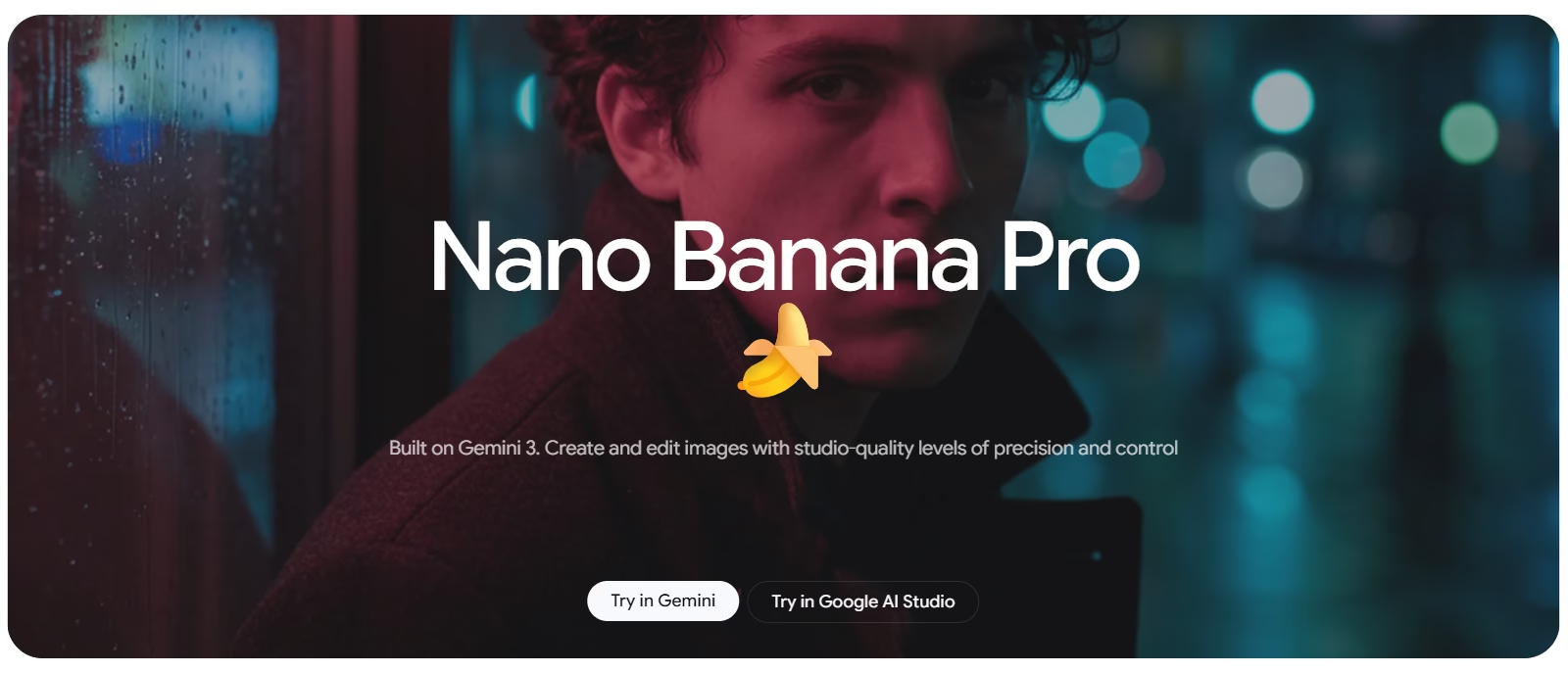
Nano Banana Pro: Advanced Image Control
Nano Banana Pro is the latest version of Gemini’s image generation model. It offers more precision and creative control, including:
-
Clearer and more accurate text rendering
-
Higher resolution outputs, up to 4K
-
Advanced control over lighting, angles, and composition
-
Improved multi-image blending with consistent quality
Free users can access Nano Banana Pro with limited generations, while extended access is available through Google AI Pro.
Your Android Phone, Reimagined
Nano Banana turns your Android device into a pocket-sized creative studio. It’s fast, intuitive, and powerful enough for both casual users and professionals. With realistic results and flexible editing, creating AI-generated images has never been this accessible.
Stop imagining. Start creating. Open Gemini, try Nano Banana, and bring your ideas to life—one prompt at a time.