

The New Age of E‑commerce Advertising
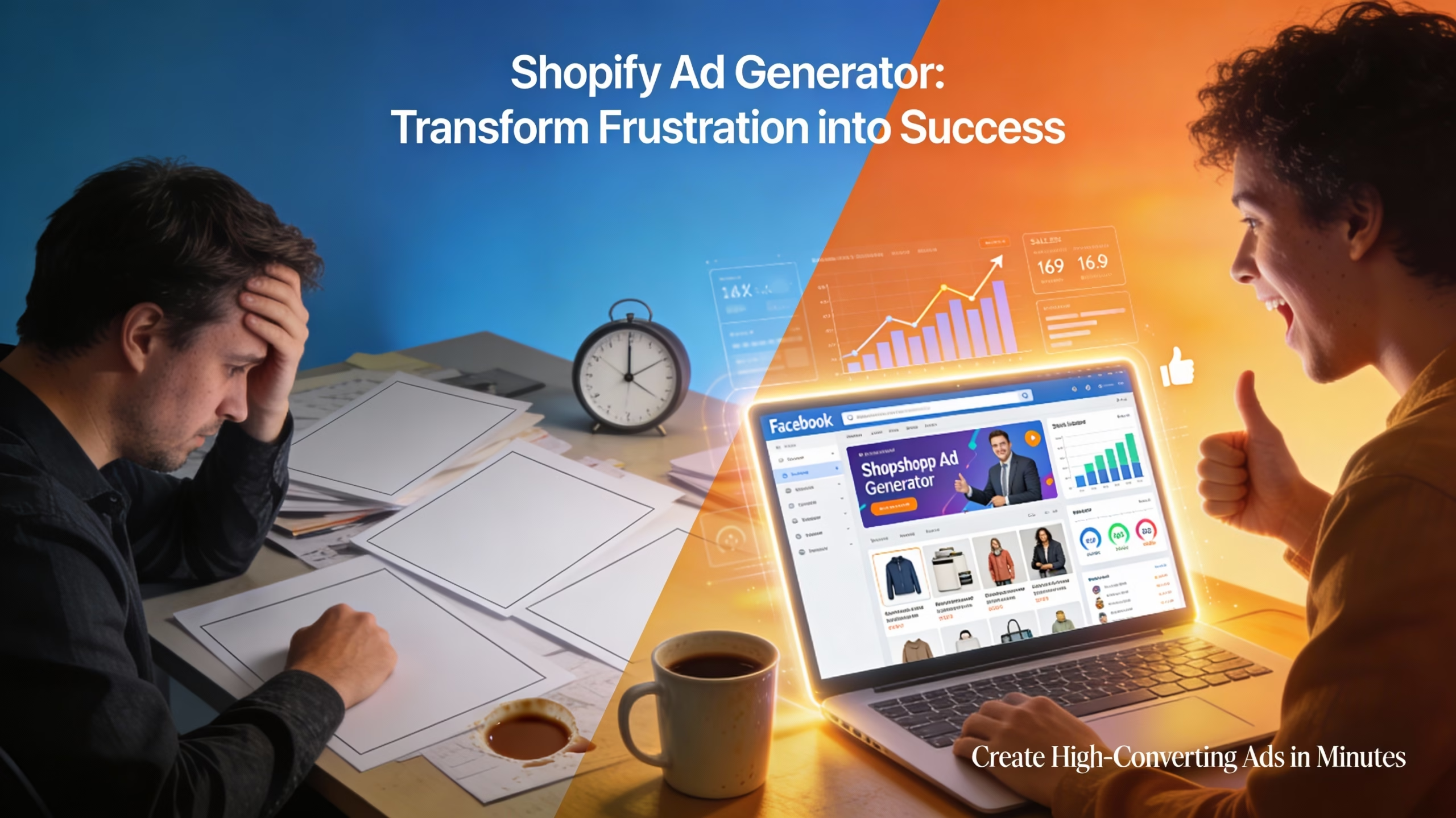
I still remember the time when ad creation meant sitting with a cup of coffee and staring at a blank page for hours. You had to find the right words, pick images, and guess which audience would click. Now, it’s different. The pace is faster, and customers expect more personalized ads. That’s where a Shopify ad generator quietly steps in — not as a magic wand, but as a powerful helping hand.
AI in marketing isn’t brand new anymore, but for Shopify sellers, it’s like giving their store a new engine. Instead of spending 3–4 hours building one campaign, you get polished, conversion‑ready ads in minutes. I’ve seen small‑town entrepreneurs become national brands in half a year simply because they learned to use a Shopify ad generator properly.
Why Shopify Ad Generator Tools Are Changing Everything
Think of selling online like fishing. Earlier, we cast big nets and hoped for good catch. Today, you throw a finely tuned line aimed at the exact spot. The Shopify ad generator does that targeting for you. It studies your product listings, finds persuasive angles, suggests visuals, and creates ads that blend into Facebook’s scrolling feed naturally.
When you’re running a Shopify store, it’s not only about selling products. It’s about telling mini‑stories that connect. The beauty of using a Shopify ad generator is that you don’t have to craft these stories from scratch. The system reads your descriptions, explores patterns from winning ads, and presents copy that sounds human, emotional, and click‑worthy.
Over the years, I’ve tested hundreds of ad tools. Most failed because they either sounded robotic or ignored brand tone. But the new generation of Shopify ad generators improved drastically. They’ve learned rhythm, texture, and subtlety — things only experienced marketers once understood.
Bonus: How to Use a Facebook Ad Generator to Create High-Converting Ads in Minutes
Setting the Stage: Preparing Your Shopify Store
Before diving into any ad creation, your store has to breathe properly. That means clean product pages, bright photos, fast load times, and descriptions that read naturally. No ad tool can save a poorly presented product.
Spend a day looking at your own store like a shopper. Does the headline catch attention? Are the reviews visible? Is shipping clear? When everything feels right, the Shopify ad generator will have stronger material to work with. It feeds on your content — just like a good artist needs high‑quality paint.
One pro tip: write even a short emotional story in your product description. Mention why you started selling it or how it solves a problem. That helps the generator understand tone and emotion while producing your Facebook ads.
How to Choose the Right Shopify Ad Generator
Not all tools are made equal. Some focus on images, others specialize in copywriting, a few integrate deep into Shopify analytics. After testing many, I’d say look for a generator with these qualities:
-
Direct Shopify integration (no messy exports).
-
Ability to push finished ads straight into Facebook or Meta Ads Manager.
-
Responsive templates optimized for mobile.
-
Simple UI that doesn’t need long tutorials.
-
Option to tweak messaging manually before publishing.
A good Shopify ad generator shouldn’t replace your judgment, only amplify it. You still remain the captain of your store’s voice. The best ones are flexible — they give you materials faster, but they don’t steal your creativity.
For beginners, start with tools offering free trials. Play around, generate a few test ads, and post them on small audiences. Choose the one whose suggestions sound most authentic to your brand style.
Step-by-Step: Creating High‑Converting Facebook Ads
Let’s walk through the flow I often recommend to young marketers:
Step 1: Connect Your Store
First, link your Shopify account directly to the Shopify ad generator. The software imports your product data — titles, descriptions, images, even customer reviews.
Step 2: Select a Goal
Do you want more website visitors or sales? Maybe you need to clear out old inventory. Choose that goal, as the generator tailors ad flavor accordingly.
When I tried this the first time, I noticed that changing “goal type” completely altered the feel of the ad. A “brand awareness” goal wrote softer, storytelling text, while “sales conversion” focused on urgency and price.
Step 3: Let It Generate
Now the real magic begins. Within seconds, your Shopify ad generator scans your product and context. It suggests two or three versions — all slightly different in message and tone. Pick the one that feels most natural. Don’t chase perfection; real ads perform better when they sound conversational, not corporate.
Step 4: Review and Edit Lightly
No system understands your audience as deeply as you do. Read every word. Adjust slang, punctuation, emojis — make it yours. I usually add one short line from my own experience, something like, “This product saved me during winter,” or “Our first 50 customers never looked back.” It brings warmth no software can generate automatically.
Step 5: Publish and Track
Once updated, sync it with Facebook and launch. Keep an eye on CTR (click‑through rate) and conversion. Usually, the first few ads will surprise you — often they outperform your manually written ones simply because the Shopify ad generator structured them based on proven engagement patterns.
Bonus: Google Ad Generator Explained: The Future of AI-Powered Advertising
Real Examples That Prove It Works
A friend of mine runs a skincare store. She was spending roughly ₹1,500 daily on Facebook ads but wasn’t breaking even. I suggested she try a Shopify ad generator that supports multi‑image carousel creation and emotional ad copy.
Within a week, her CTR doubled. Her average cost per click dropped by 43%. She showed me the new ad copy — it had warmth, simplicity, even small typos that made it feel less “machine-made.” That’s the edge she needed.
Another seller, a Delhi‑based jeweller, started using product videos suggested by the generator. He didn’t believe video templates could convert. Within two months, revenue went up by 60%. Not because the tool was magical, but because it reduced creative fatigue. He could test 10 ads in the time he earlier made one.
Common Mistakes to Avoid
Even solid tools can fail if used mindlessly. There are a few traps to skip:
-
Don’t copy and paste everything blindly from the generator. Always refine tone.
-
Avoid overselling; Facebook flags aggressive language quickly.
-
Keep frequency in check — same ad shown 20 times becomes invisible.
-
Never ignore analytics. The Shopify ad generator gives you useful data to tweak your campaigns.
-
Don’t make visuals too polished. A casual, organic look often clicks better on social feeds.
Remember, your goal is connection, not perfection. If an ad sounds too sleek, it feels distant. Add a little imperfection – a human touch.
Tips from 50 Years in Marketing
I’ve seen newspapers, radio, TV, and now phones become prime advertising channels. Yet one rule never changed: people buy from people they feel they know.
Even when you’re using a Shopify ad generator, that principle holds. Don’t hide behind automation. Sprinkle in personal stories or customer reviews. A simple sentence like “We packed over 1,000 happy orders last month” sounds real and builds trust.
Another timeless trick: focus on emotions, not just features. A Shopify ad generator helps write catchy lines, but you guide the emotion. Instead of “Lightweight running shoe,” try “These shoes feel like walking on air.”
Consistency beats intensity. Post small ad batches often rather than one massive launch. The algorithm learns faster and trims waste.
Lastly, never stop experimenting. AI tools evolve, Facebook rules change, and audiences drift. Keep your approach human — observe, listen, adjust. That’s something no automated system can replace, not even the smartest Shopify ad generator on Earth.
Bonus: How to Use a YouTube Ad Generator to Create High-Converting Video Ads in Minutes
Wrapping It All Up
Using a Shopify ad generator isn’t about replacing creativity — it’s about freeing time to think creatively again. Once you trust the process, you start focusing on ideas instead of mechanics. Facebook ads become quicker to launch, cheaper to test, and easier to scale.
This small shift — from typing every line to guiding a generator — can save you hours weekly. And that time can go back into improving your store, talking to customers, or dreaming up your next product.
Fifty years in marketing taught me one truth: tools come and go, but clarity, emotion, and persistence always win. If the Shopify ad generator helps you express those faster, then it’s not just software — it’s progress with a pulse.